A collection for your mood
Find a look you love.
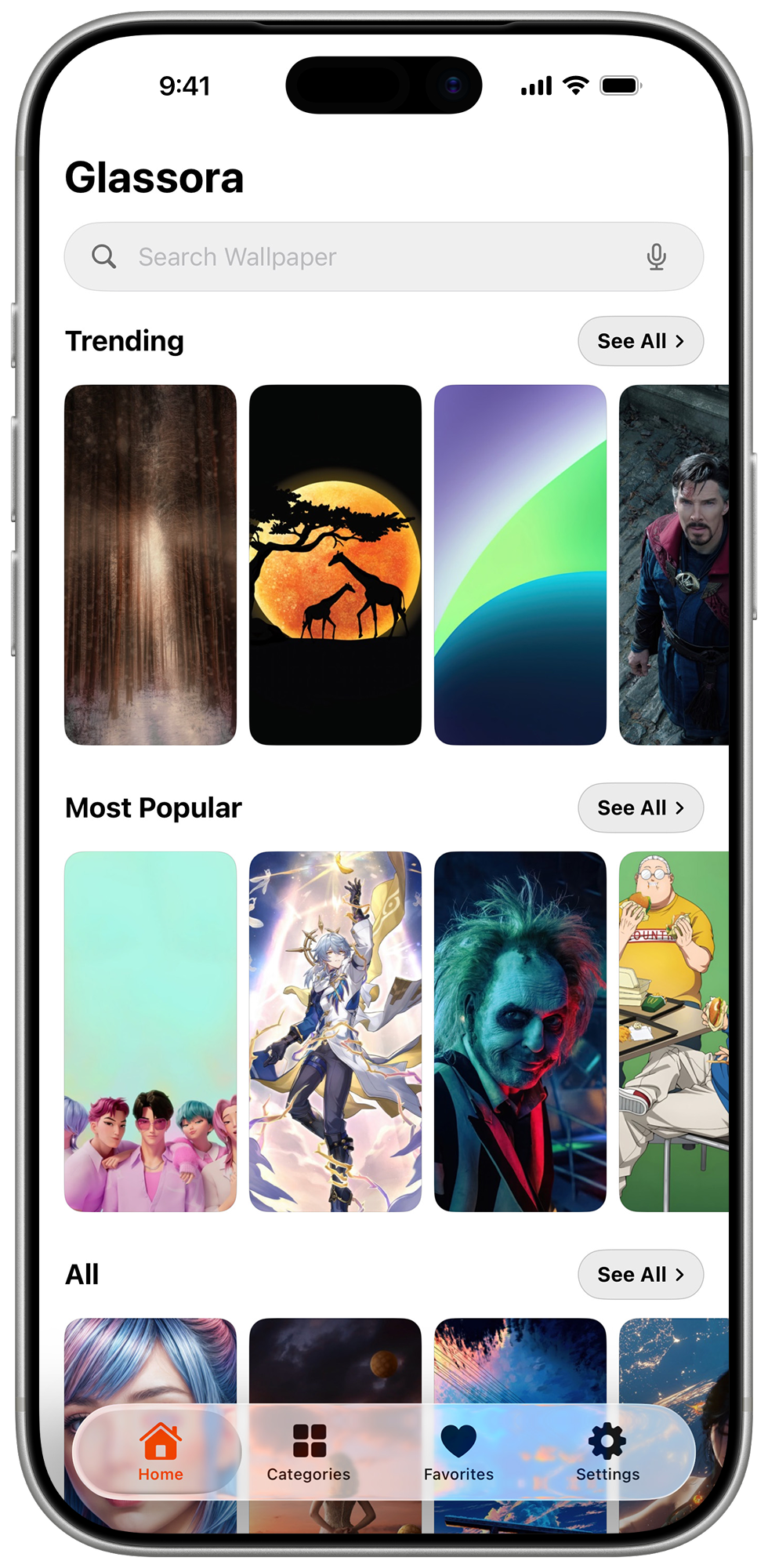
Explore themes such as nature, abstract, dark, gradients, fantasy, gaming, and movies.
Curated wallpaper categories
Discover curated 4K and HD wallpapers. Preview one on your Lock Screen, then set it to your Home Screen, Lock Screen, or both.
Free to download. No account required.
Glassora
One collection, perfectly at home on every screen.
Made for wallpaper discovery
Browse, preview, save your favorites, and choose where your next wallpaper belongs.
A collection for your mood
Explore themes such as nature, abstract, dark, gradients, fantasy, gaming, and movies.
Preview before applying
Preview a wallpaper on your Lock Screen, then set it to your Home Screen, Lock Screen, or both.
Favorites and offline browsing
Save wallpapers to your favorites and browse Glassora's bundled catalog when you're offline.
The collection
Explore nature, abstract, dark, gradient, fantasy, gaming, movie-inspired, and other wallpaper themes.
Browse by theme
Move from calm nature scenes to bold gaming art and minimal dark backgrounds in a few taps.
Explore by mood
Nature · Abstract · Dark
Find something bold
Fantasy · Gaming · Movies
Preview before applying
Preview a wallpaper, then choose whether to set it on your Home Screen, Lock Screen, or both.
Explore the live preview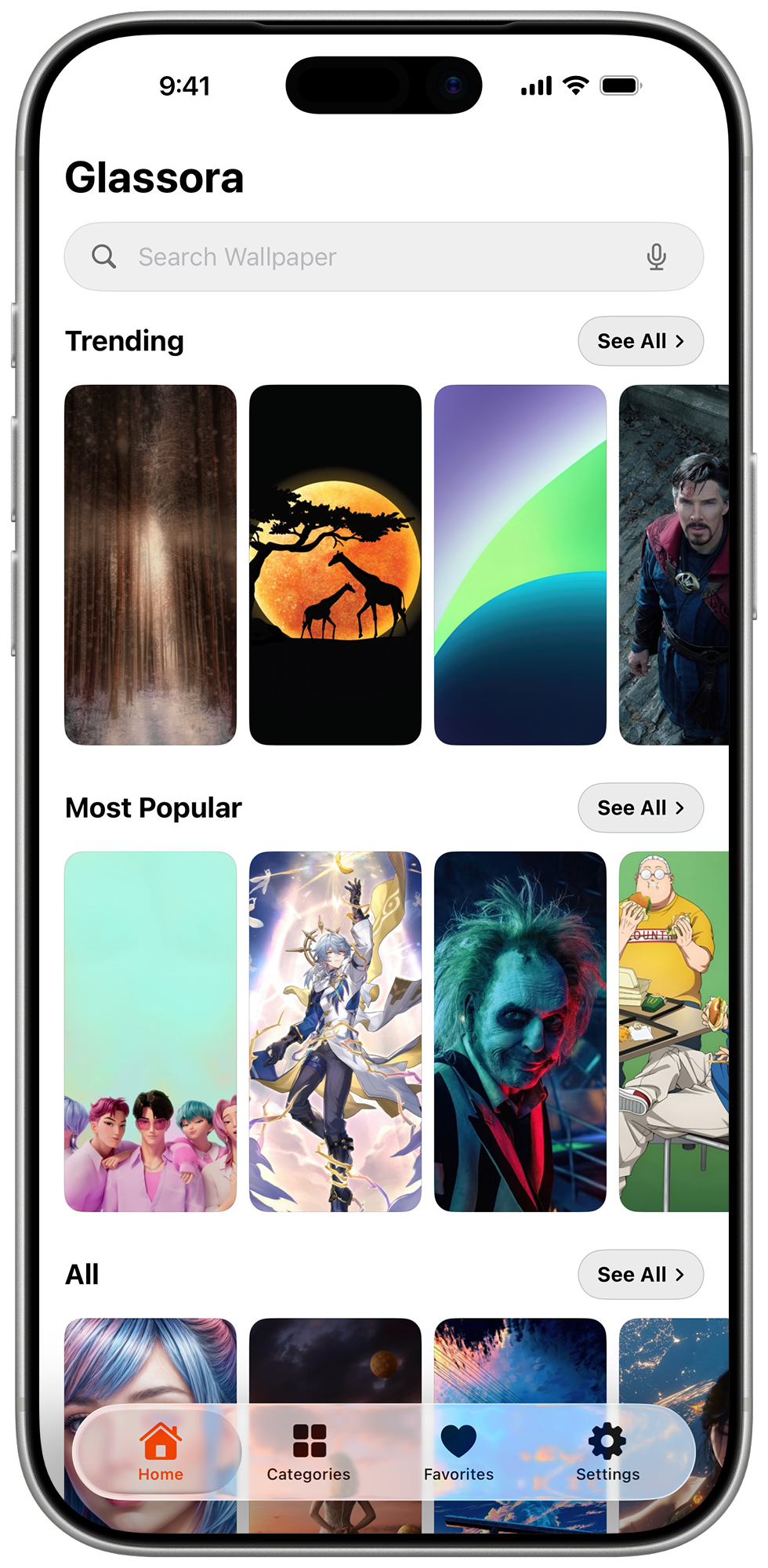
Made for Apple devices
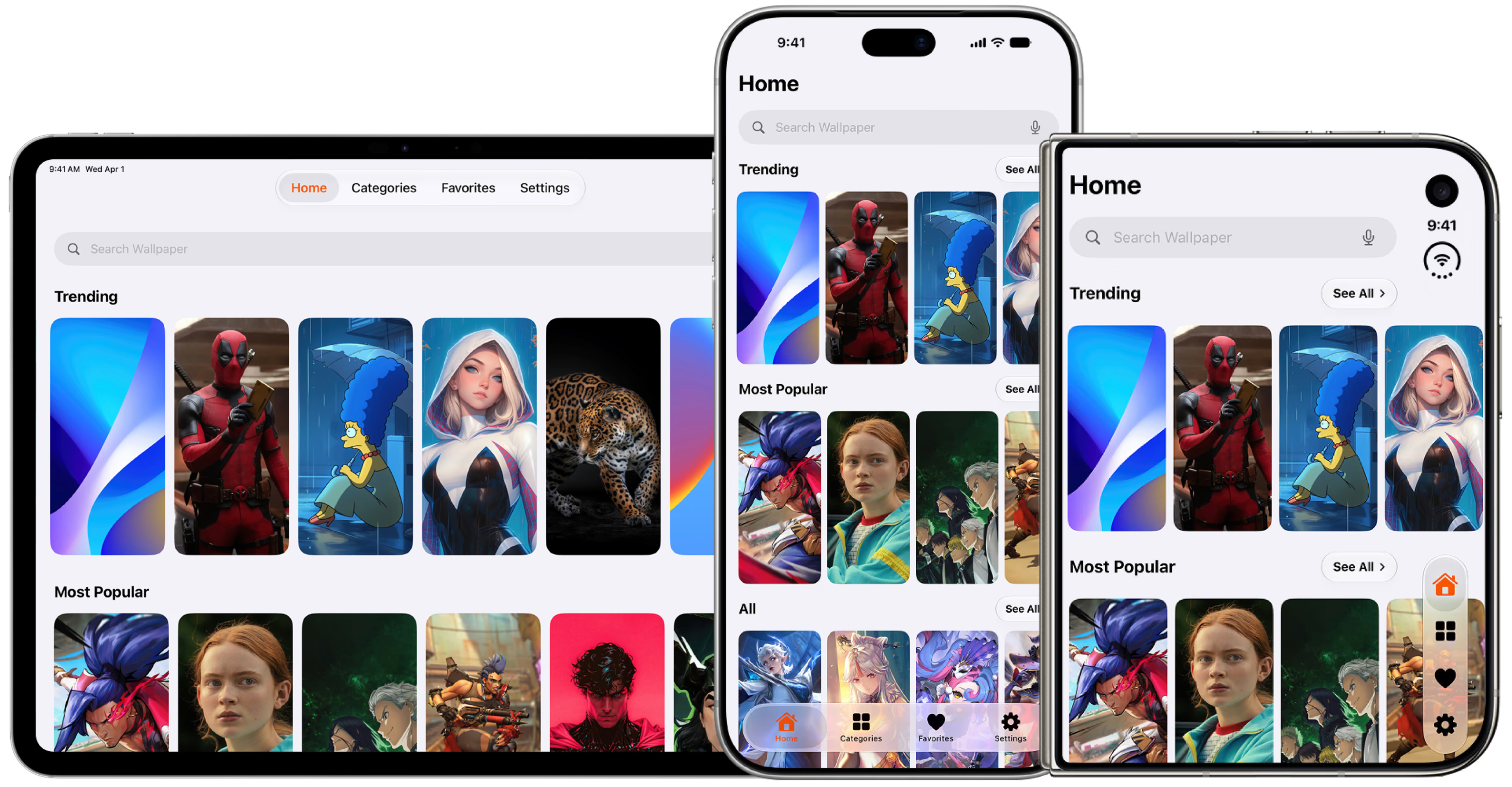
Glassora is available for iPhone, iPad, and Mac. Preview a wallpaper, choose where to apply it, and keep favorites for later.
Choose where it goes
Make the wallpaper yours.
Private by design
The app does not require an account. This website uses Vercel Analytics and stores the details you choose to send through the support form. See how the app and website handle information.
Read the plain-English privacy policyGood to know
Yes. Glassora is free to download from the App Store.
The collection includes high-resolution 4K and HD wallpapers. Available resolution can vary by image.
No. Glassora has zero account sign-up, no passwords, and no profiles. Open the app and start downloading immediately.
iOS may ask for permission when a feature needs access. Review each system prompt and grant only the access you are comfortable with.
You can browse the bundled catalog when offline. Online access is needed for content that is not included with the app.
Thousands of curated 4K artworks. Liquid glass UI. One tap to save.
Get Glassora on the App Store